



SkyLink-915 Micro
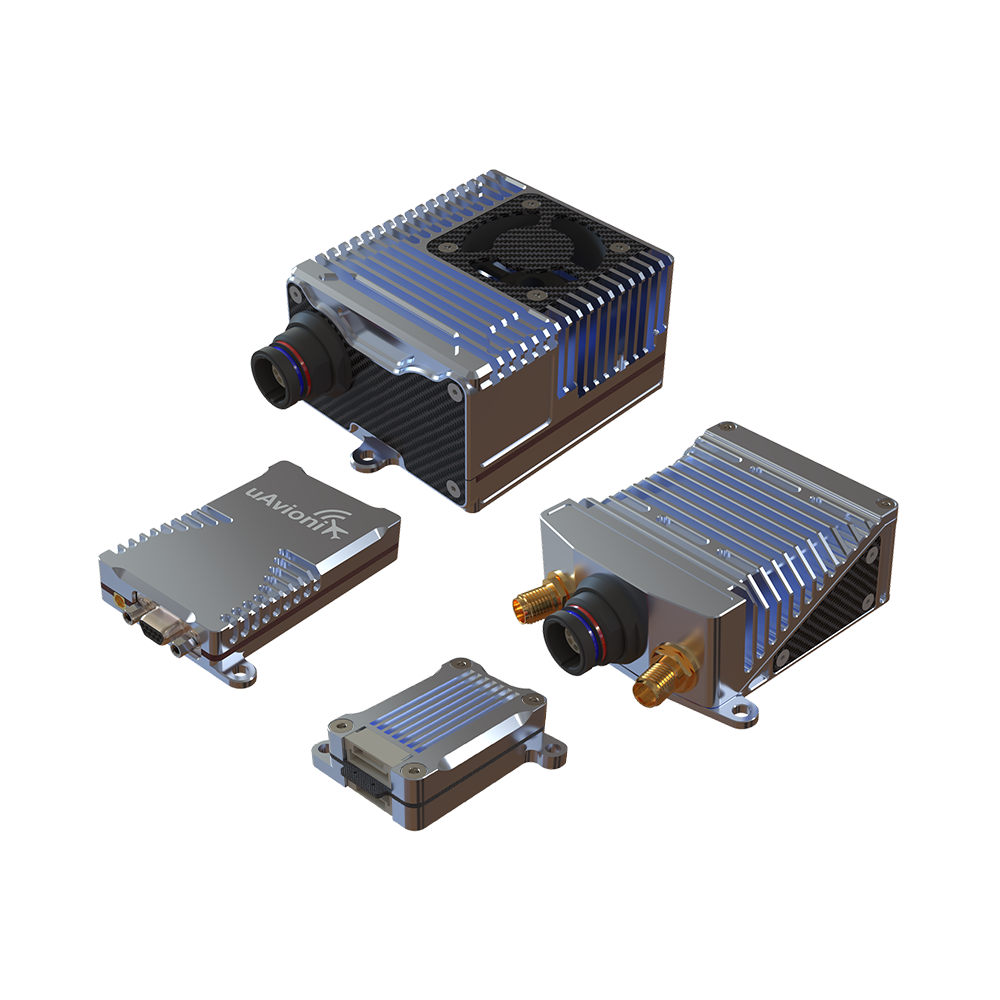
SkyLink enhances unmanned aircraft system (UAS) operations by allowing the addition of extra radios to muLTElink for expanded range and four-frequency assurance. This configuration provides four diverse communication links, offering quadruple redundancy for assured connectivity when combined with an IP-based communications link such as Starlink. Ideal for complex missions requiring robust and reliable communication, SkyLink ensures seamless integration with muLTElink to support critical BVLOS operations with enhanced safety and efficiency.
Multi-Frequency Operation
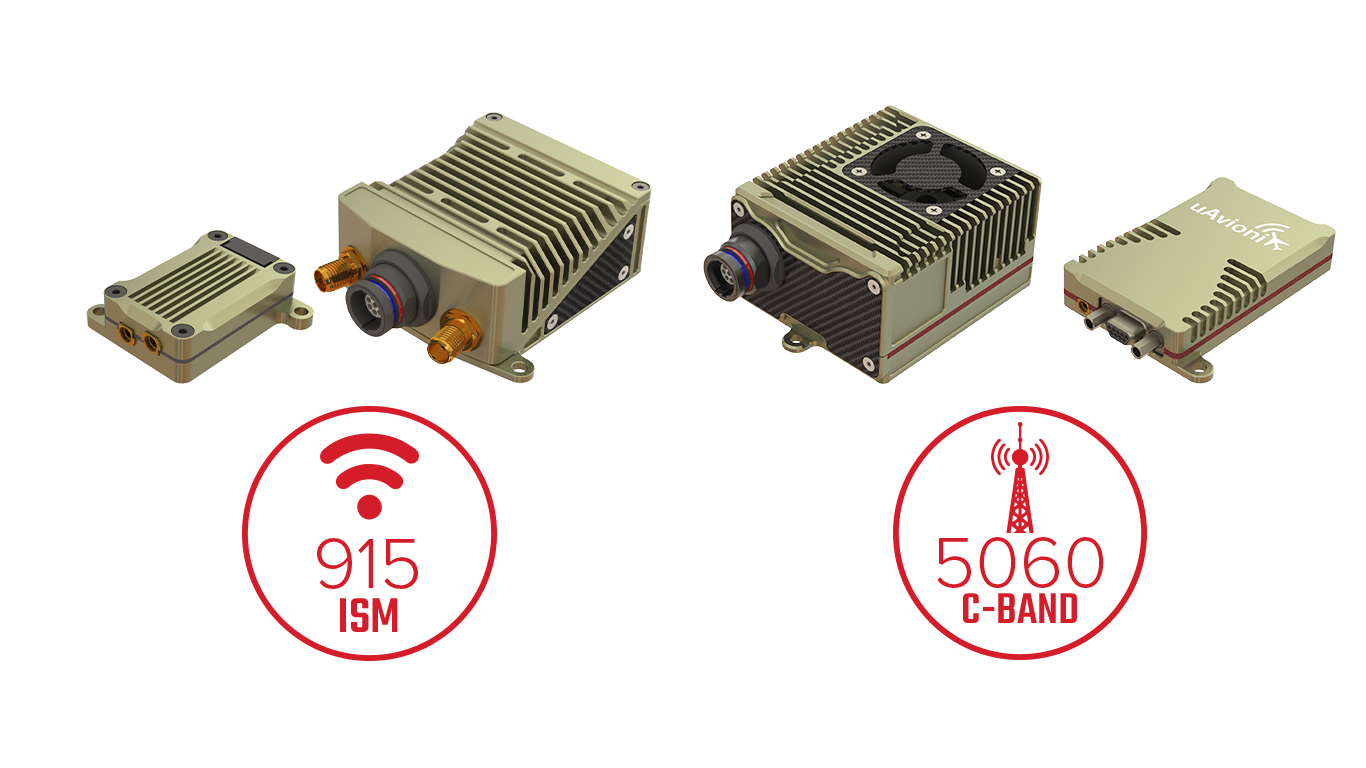
Offers dual-frequency operation (ISM and C-Band) for enhanced reliability and redundancy.
Real-Time Diagnostics and Alerts
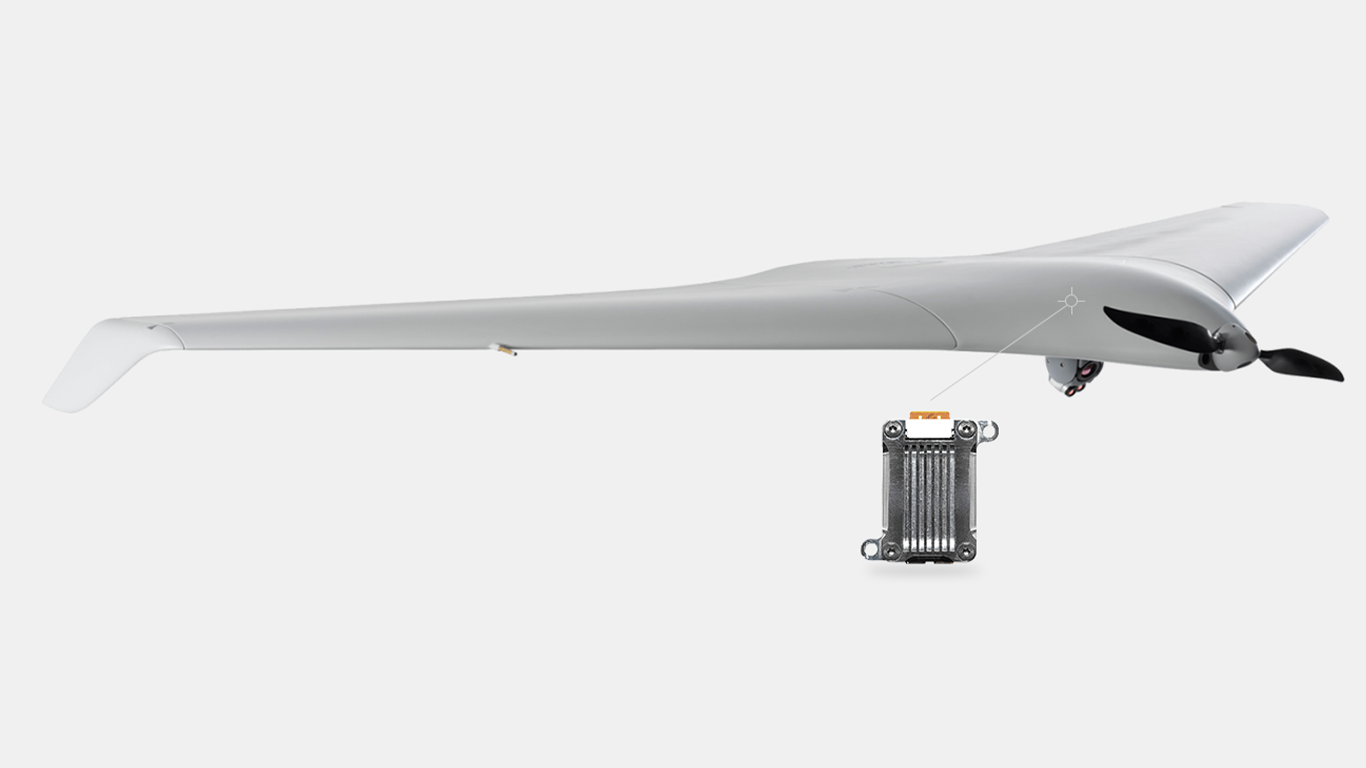
SkyLink radios are equipped with advanced diagnostics capabilities that monitor system performance and alert operators to potential issues before they affect the mission. This proactive monitoring helps maintain high levels of operational uptime and safety.
Compact and Lightweight
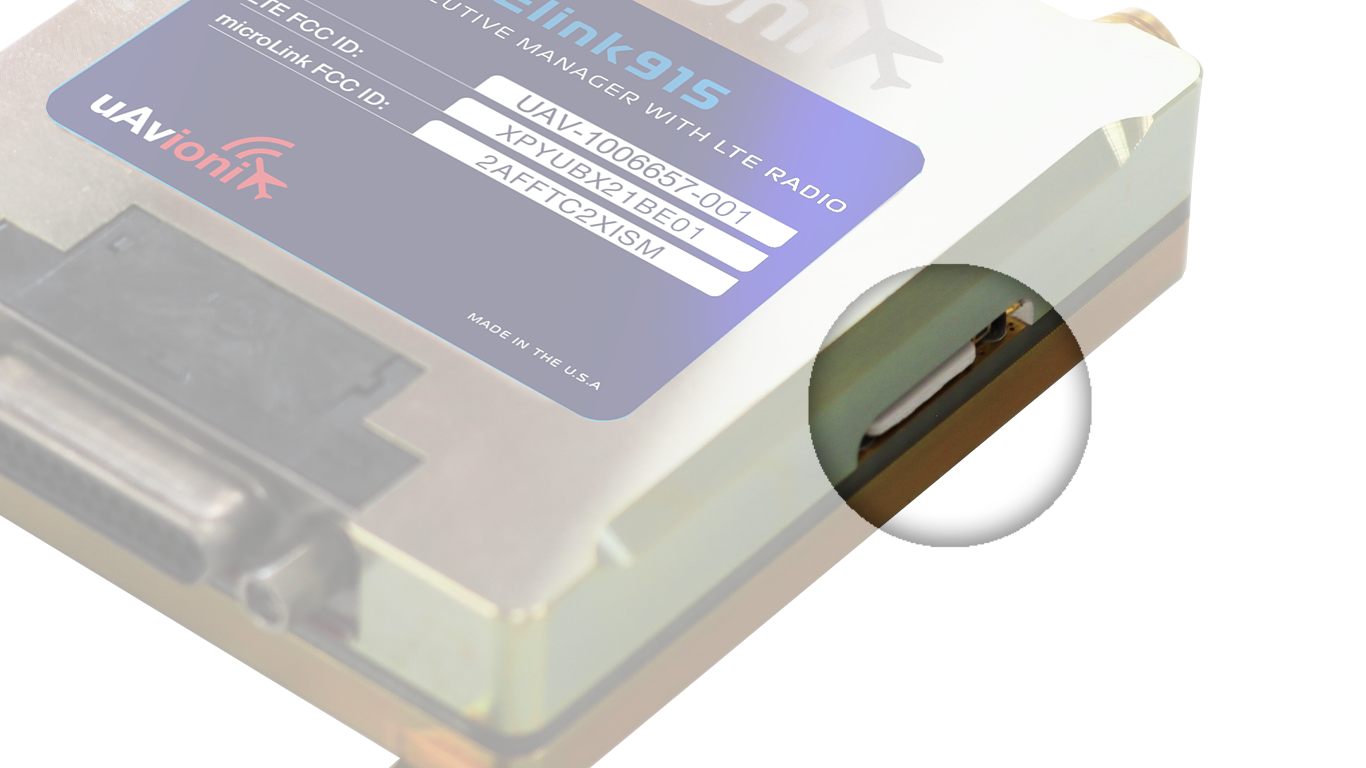
The SkyLink915 Micro, for example, is just 31x26x9.5 mm in size and weighs 16 grams, ideal for small and lightweight drones.
| Weight | 0.1 lbs |
|---|---|
| Dimensions | 0.1 × 0.1 × 0.1 in |
| Brand | uAvionix |


Related products

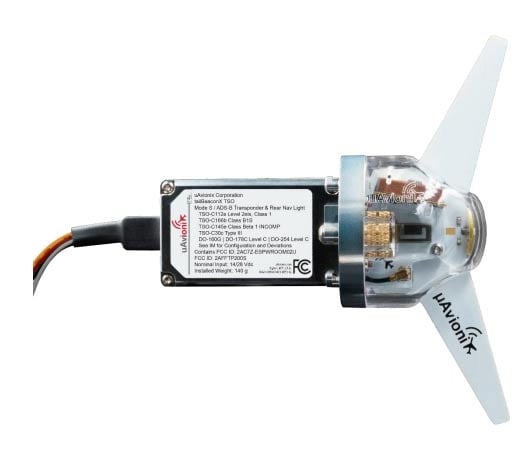
tailBeaconX TSO & AV-30C Bundle
The next era of global ADS-B. Compatible with space and ground-based ADS-B surveillance systems, tailBeaconX is a Mode S Extended Squitter ADS-B transponder and WAAS GPS integrated into an LED rear position light. With global compliance, tailBeaconX is the key to limitless destinations. Extend tailBeaconX and your panel’s functionality when you pair AV-30 as tailBeaconX’s control head. AV-30 also functions as a digital primary AI or DG display with even more features for limitless possibilities.


tailBeaconX TSO + AV-20-E Bundle
tailBeaconX + AV-20-E Bundle
All-in-One Nav Mode S / ADS-B OUT / 2" MFD EFIS
UAX-90107-01
New Part #
*supercedes UAX-90059-01
For Experimental Installation Only
The next era of global ADS-B. Compatible with space and ground-based ADS-B surveillance systems, tailBeaconX is a Mode S Extended Squitter ADS-B transponder and WAAS GPS integrated into an LED rear position light. With global compliance, tailBeaconX is the key to limitless destinations. Extend tailBeaconX and your panel’s functionality when you pair AV-20-E as tailBeaconX’s control head. AV-20-E also functions as a digital clock with 12 functions for limitless possibilities.
- Transponder Control
- Attitude Display
- Slip / Skid
- Probeless AOA
- G-Meter
- and more


tailBeacon-TSO | All-in-One Nav / ADS-B OUT
Upgrade your aircraft’s compliance and visibility with the uAvionix tailBeacon—the simplest and most innovative ADS-B Out solution for general aviation. Designed to replace your rear position light and work seamlessly with your existing Mode C transponder, tailBeacon delivers full FAA 2020 ADS-B Out compliance with minimal installation time and cost. It’s a streamlined, affordable upgrade that gets you flying smarter and safer—without the downtime or complexity.

skySensor TSO | ADS-B In, Certified Aircraft
skySensor is the perfect companion to skyBeacon, providing real-time ADS-B In traffic and weather data directly to your electronic flight bag (EFB). Designed for quick installation, skySensor mounts on your aircraft’s wingtip as a direct replacement for your existing navigation light, delivering enhanced situational awareness without adding cockpit clutter. Designed for both experimental and certified aircraft, skySensor offers a combination of features that make it an essential component of any avionics suite.


